Steganography is a practice of hiding a data within another file. For example, hiding a text file within an image file.
In this article, a basic example of steganography is shown. We will be hiding the content (or the secret message) of a text file into an image.
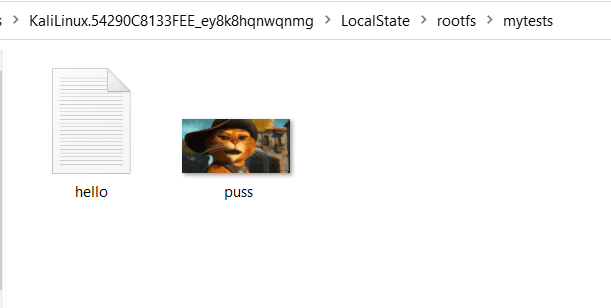
The image below shows the text file hello.txt, which will be our secret message. The picture of Puss in Boots is the image we will use to conceal our secret message.
In this example, we are using Kali Linux OS. To install the tool, issue this command in the terminal:
apt-get install steghideOnce installed, check the manual to see available commands:
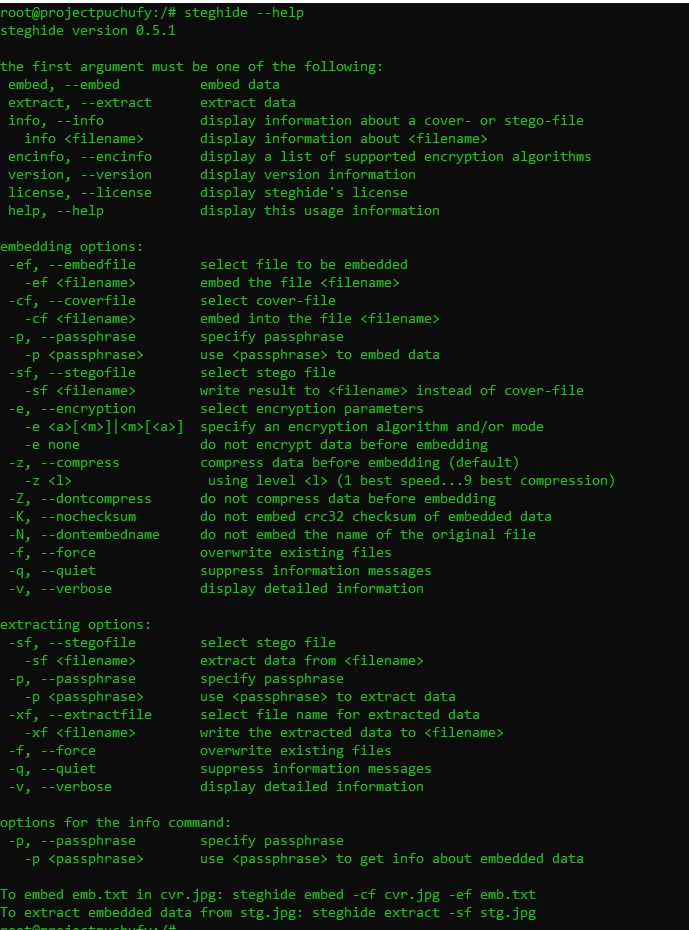
To begin concealing the secret message, issue the command below. It will ask for the passphrase that will also be used for extracting the hidden message.
steghide --embed -ef hello.txt -cf puss.jpg
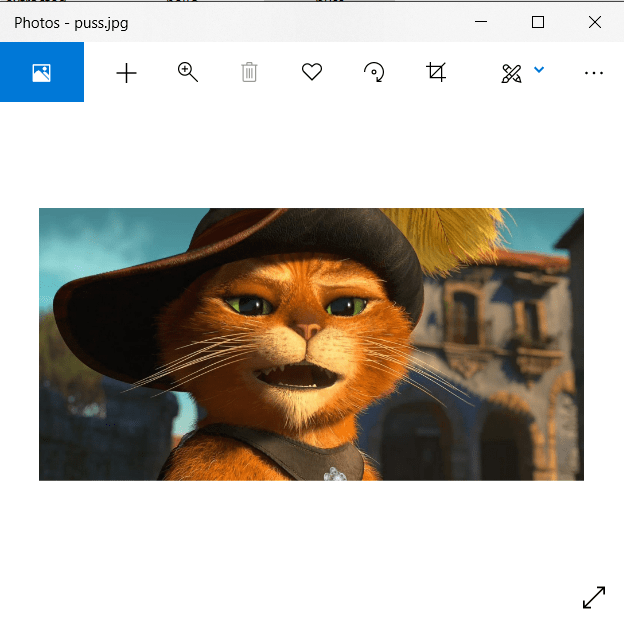
Once the process is done, you will still be able to view Puss’s picture like it was before.
To extract the hidden message, issue the command below:
steghide --extract -sf puss.jpg -p x -xf extracted.txt
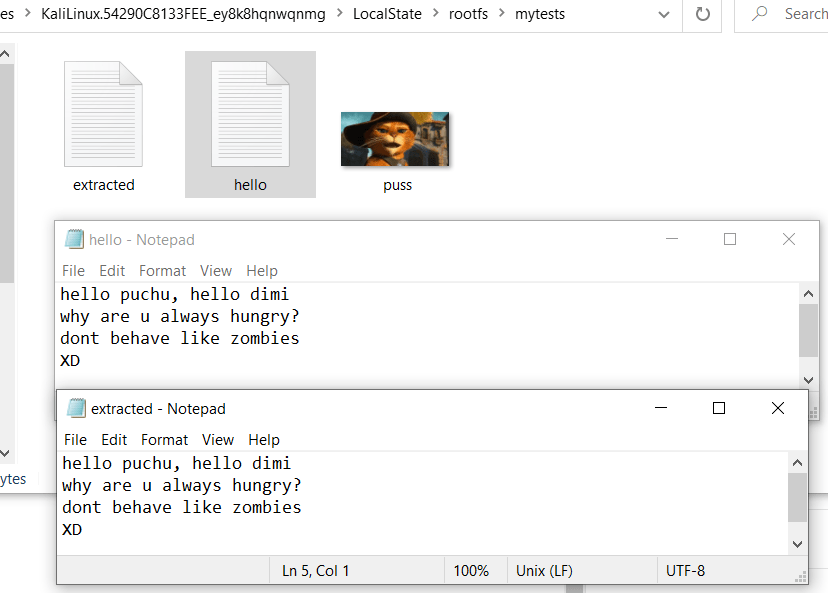
This will copy the text from the hidden message to the extracted.txt file. As you can see, you now have three files, and both text files contain the same message.
 Project Puchufy