This is a walk through of what I did to resolve a capstone lab in OSCP, which focuses on the 2nd lab activity about Windows Privilege Escalation.
Required Applications
The steps listed are under the presumption that required applications are already installed and are working properly. Required applications:
- Windows VM (Provided by OffSec Lab)
Steps
The first question in this lab is asking who else is a member of the local Administrators group aside from Administrator and offsec. To get the members of the local Administrators group, use this command in PowerShell:
Get-LocalGroupMember Administrators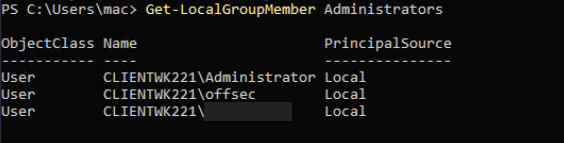
The 2nd question is asking us to find a non-standard process to locate the flag from the same folder where the binary file is located. Use this command to list the current running processes.
Get-Process | Select-Object Name, Id, Path | Sort-Object Name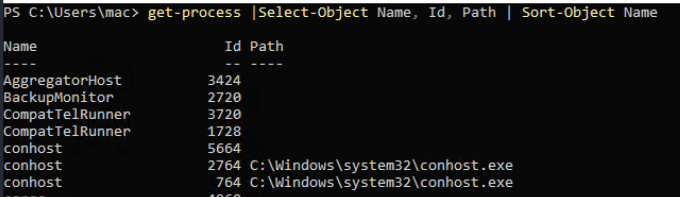
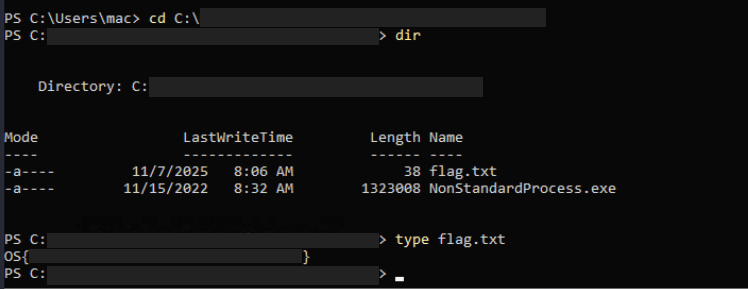
From the result, find a process that is not commonly built-in to a Windows OS, or a process that seems suspicious. Once you find it, go to the directory where it is saved an you will find the flag.
Captured Flag / Proof of Concept
 Project Puchufy