This is a walk through of what I did to resolve a capstone lab in OSCP, which focuses on analyzing malware using VirusTotal.
URL: https://www.virustotal.com/gui/home/upload
Required Applications
The steps listed are under the presumption that required applications are already installed and are working properly. Required applications:
- scp in Windows VM containing the malware
Steps
For some reason, I cannot upload the malware directly to VirusTotal using the Windows VM. Therefore, I have to copy the malware to my Kali VM using scp.

Now, trying to upload it to VirusTotal:

It may take a while for the upload to complete.
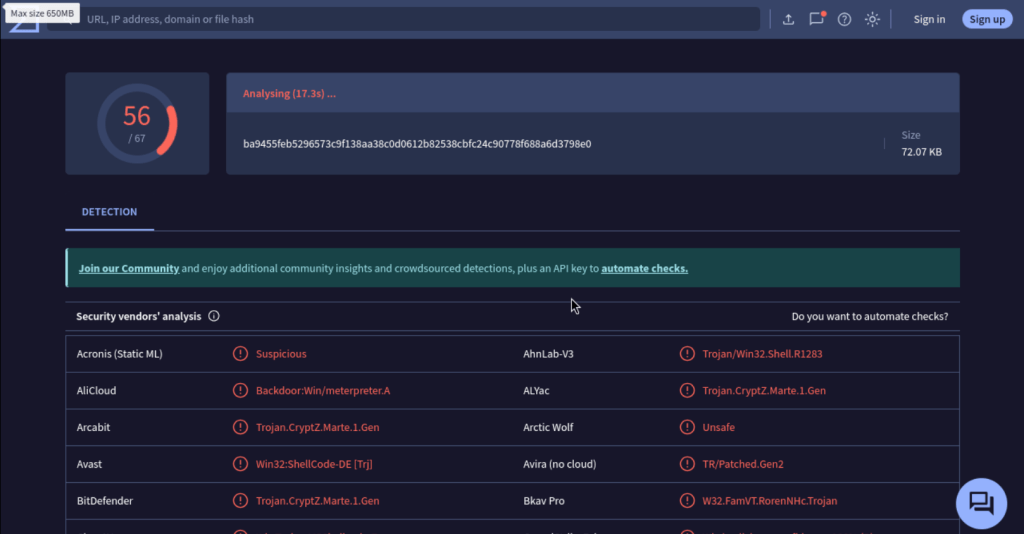
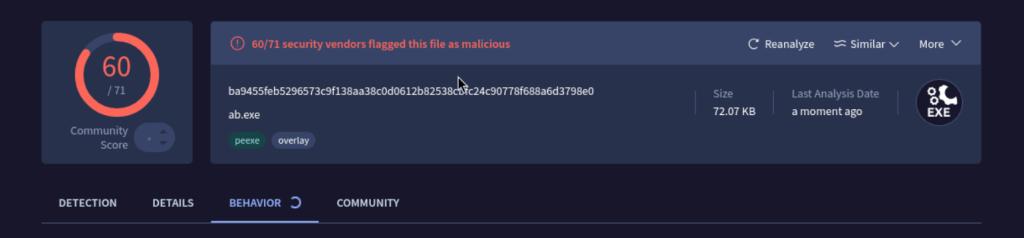
Once it is done, go to the Behaviour Tab.
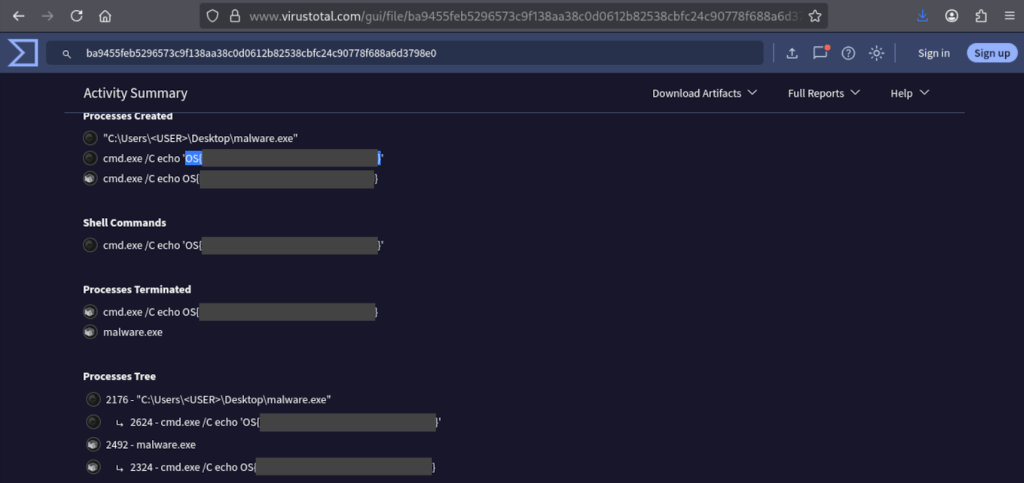
Captured Flag
Flag can be found in the Process and Service Actions Section of the report.
 Project Puchufy