Walkthrough for Root Me/Challenges/Web Client
Javascript – Obfuscation 3
When you open the page, you will see a prompt that is asking for a password. Click the cancel button for now and open the Developer Tools to look around the code.
Inside the script, copy the contents of the value being passed to the function “dechiffre” and use Cyber Chef to decode it.

Cyber Chef will provide multiple results if you are using “Magic” recipe. It will give the decimal value of the hex notation and it will also give the string value (which is actually the validation password for this challenge).

But if you want to try further to decode the decimal values, you can use this code and run it in the Console Tab of the Developer Tools of your browser:
let charCodes = [NUM1,NUM2,....,NUMx];
let outputstring = String.fromCharCode(...charCodes);
console.log(outputstring);
This will give out the same string value as the Cyber Chef.

Refresh the challenge’s page and input the password.
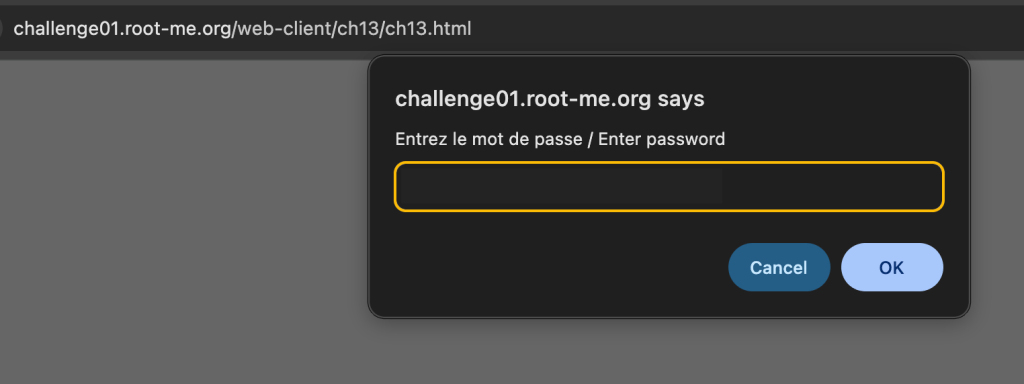
It will say the password is incorrect.

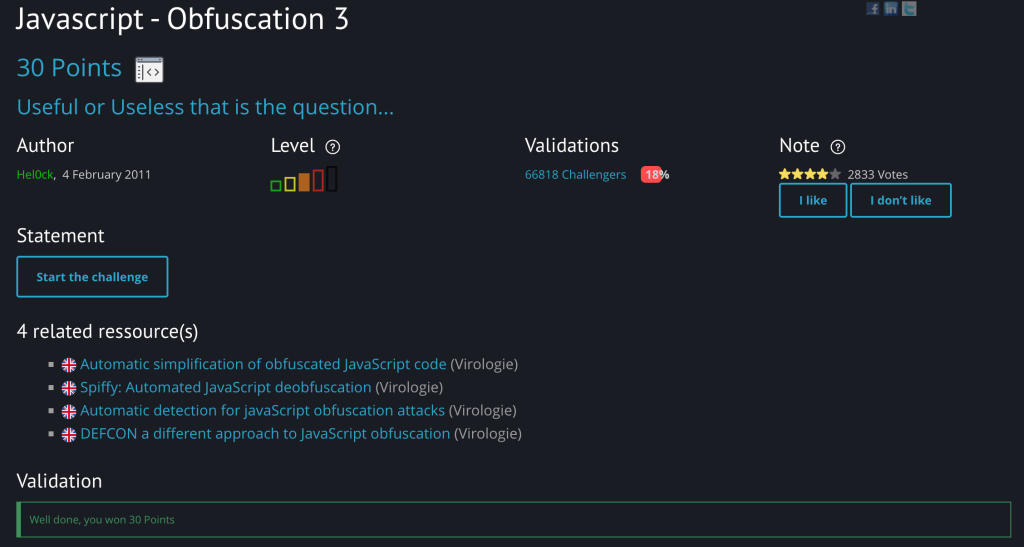
However, after the same string was supplied into Root Me’s validation section for this challenge, it accepted the password. You will get a confirmation like this if successful.
 Project Puchufy