Walkthrough for Root Me/Challenges/Web Client
Javascript – Source
When you open the page, it will have a pop up asking for a password. Just close it until you get to the actual page. You should be able to see something like this.
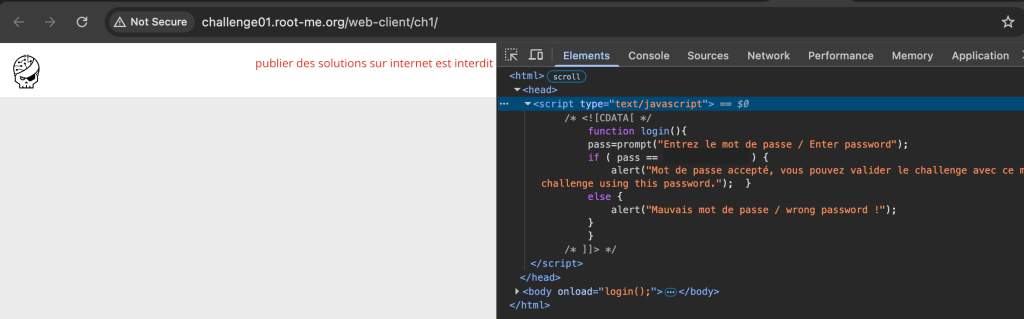
Open the Developer Tools of your browser by pressing F12. You will find the password in the code.
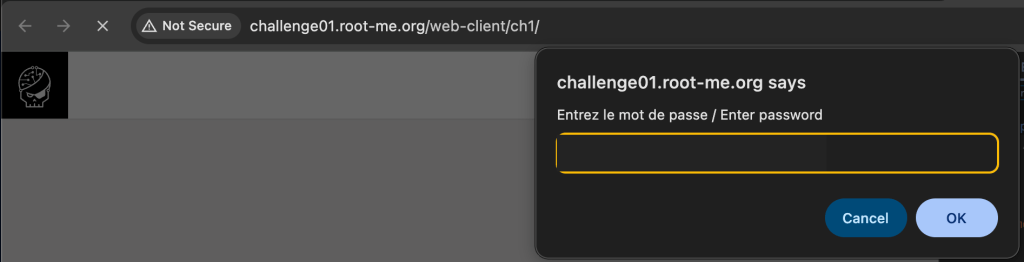
Copy the password and refresh the page. Then try if the password will be accepted.
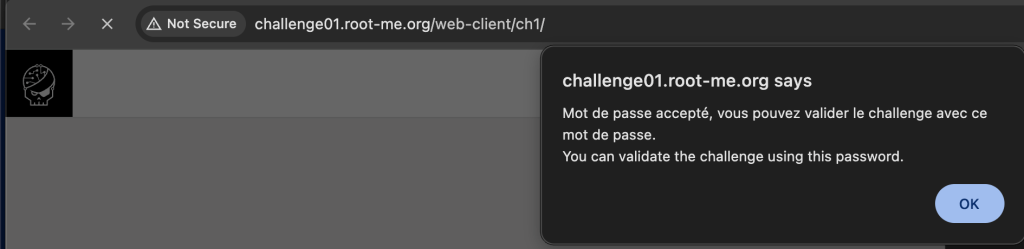
Try using the same password to the challenge’s validation. If it is accepted, you will see something like this after submission.

 Project Puchufy