Walkthrough for Root Me/Challenges/Web Client
Javascript – Obfuscation 2
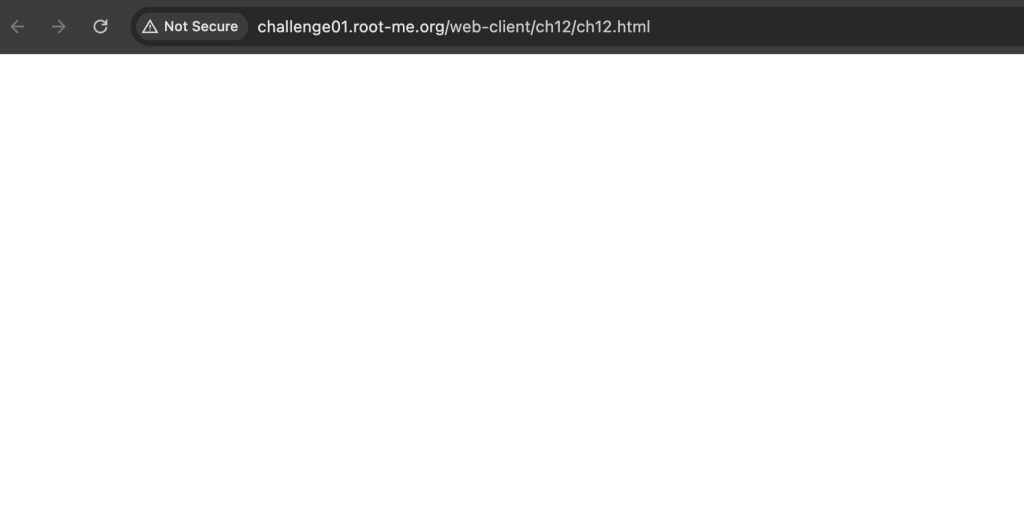
When you open the page, you will see a blank page. Open the Developer Tools to look around the code. Notice that the password is obfuscated.
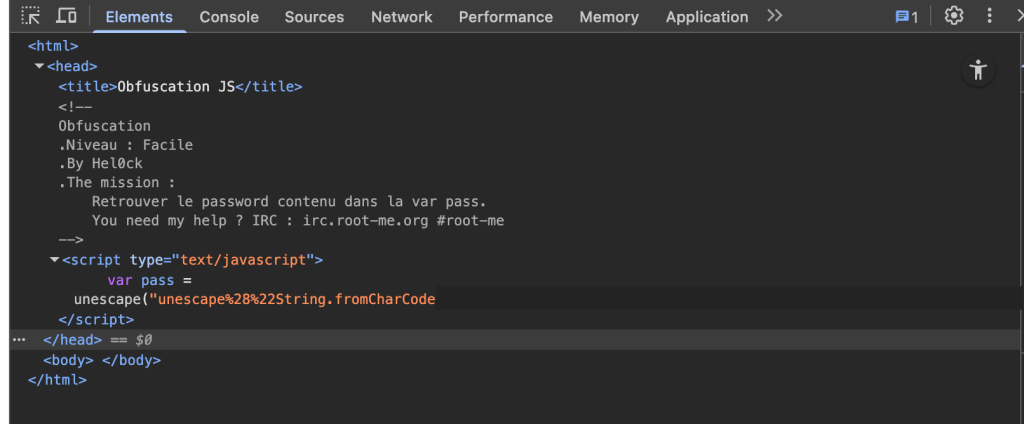
Open the Developer Tools (F12) and find the value for the password. Copy the characters after the “CharCode”. Notice that the encoding uses “%” symbol, therefore, it must be using a URL encoding. Paste it to URL Decoder.
If you copied the correct characters, you will get a result of numbers enclosed in parentheses and separated by comma. Example: (1,2,100,800,300)
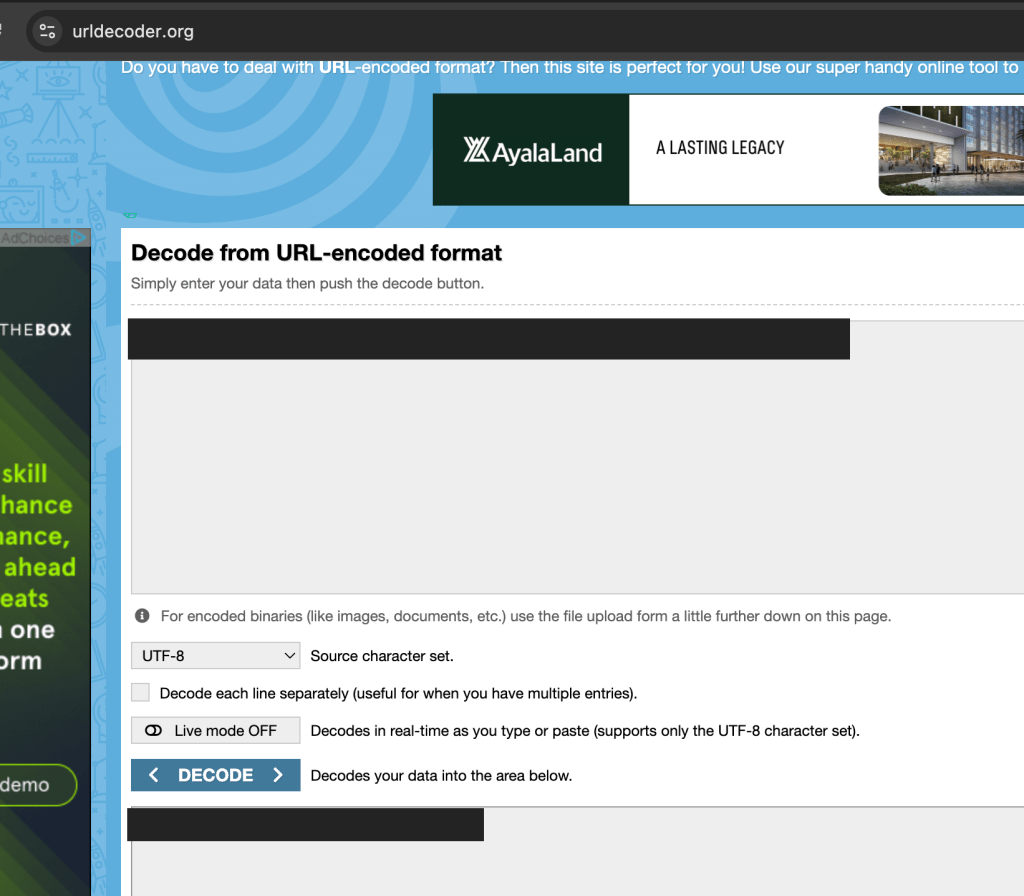
Copy the result from URL Decoder and use this code to get the password:
let charCodes = [NUM1,NUM2,NUM3,....NUMX];
let outputstring = String.fromCharCode(...charCodes);
console.log(outputstring);
Then, go to Console Tab in the browser’s Developer Tools. Copy the updated code and press enter. It will give out the password.

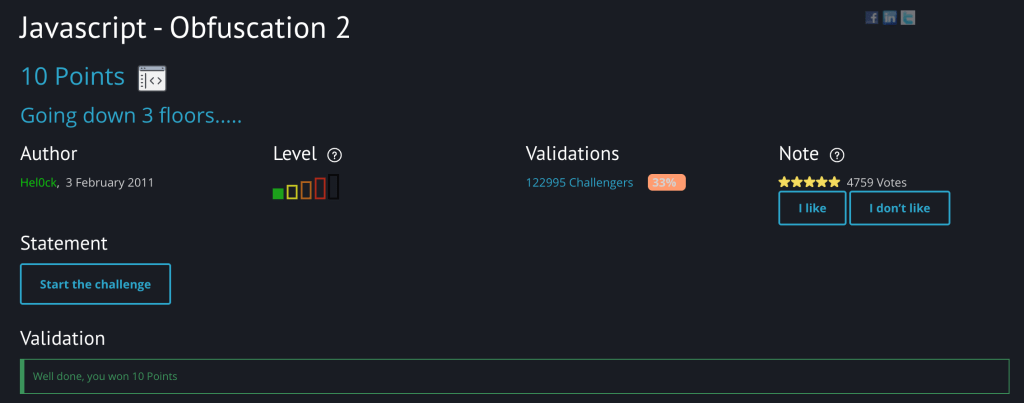
Input the same password into Root Me’s validation section for this challenge. You will get a confirmation like this if successful.
 Project Puchufy