Walkthrough for Root Me/Challenges/Web Client
Javascript – Authentication
When you open the page, it asks for username and password. To get the credentials, open the Developer Tools of your browser or press F12.
Notice that the resources of this web page includes a JavaScript file named login.js. And the “login” button in the form calls the “Login()” function “onclick”.

Go to “Sources” Tab in the Developer Tools. You will be able to find what is the accepted username and password for the login form. Use this to login to the form.

You will receive this prompt.

Use the same password to validate in Root Me challenge page.
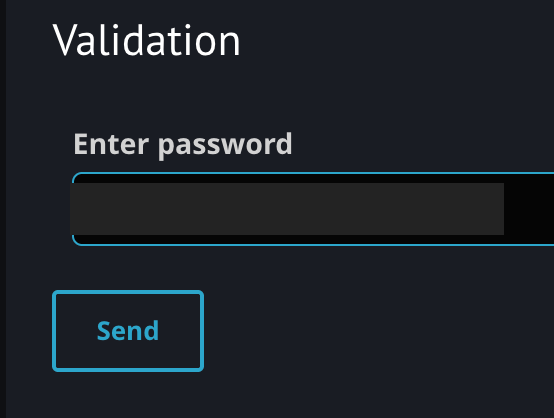
You will get a confirmation if the password provided was correct.

 Project Puchufy