When doing adversary emulation, it is important to keep track of your actions. It is important to be aware of how much traffic you are generating, especially if you need to avoid detection from monitoring solutions. Generating a large amount of traffic may trigger monitoring thresholds that can cause detection of your scan.
In this article, I will show how to determine the network traffic generated when scanning a host (or a network) using NMAP.
Setup IP Tables Rules
Add entries to the INPUT and OUTPUT chains:
iptables -I INPUT 1 -s <IP_ADDRESS_TO_SCAN> -j ACCEPT
iptables -I OUTPUT 1 -s <IP_ADDRESS_TO_SCAN> -j ACCEPT

Clear IPTABLES Record
Run this command to clear the records of captured packets in the iptables.
iptables -Z INPUT
iptables -Z OUTPUT

Run NMAP Scan
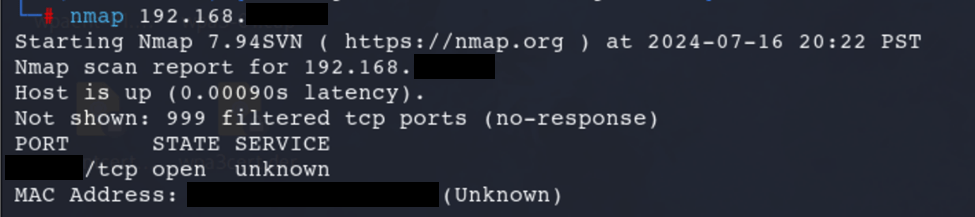
Check IP Tables
iptables -vn -L |grep '<IP_ADDRESS_SCANNED>'

Scanning More Ports
This time, 1-4000 ports were scanned:


 Project Puchufy